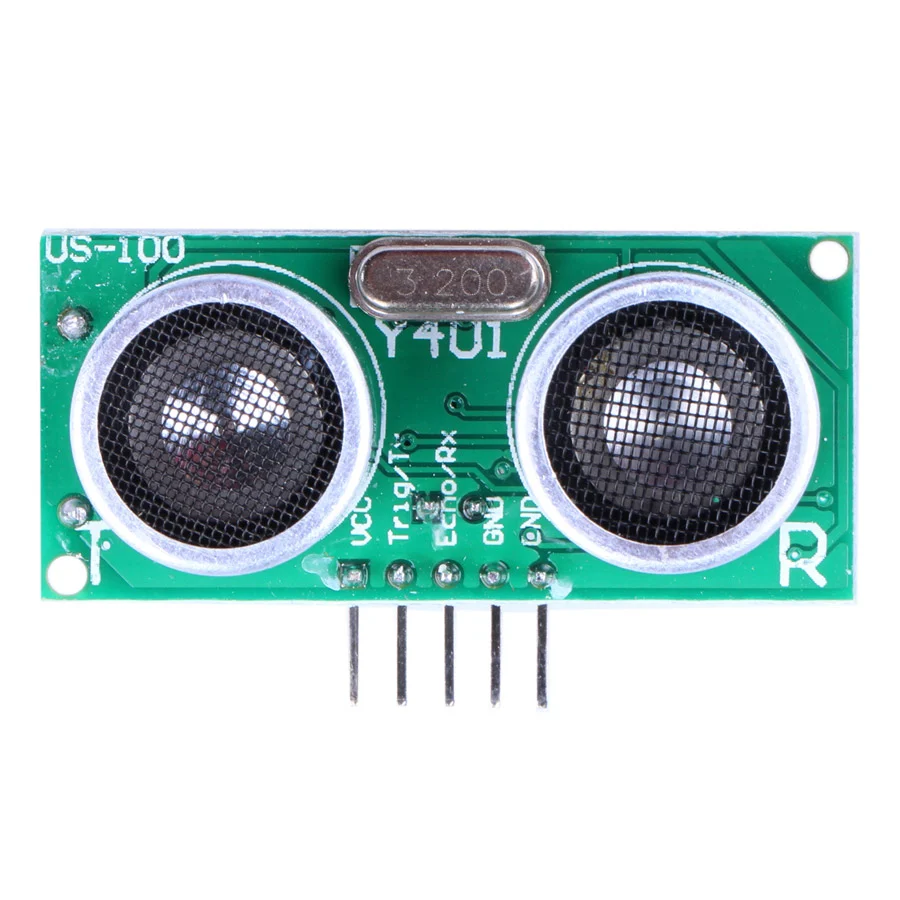
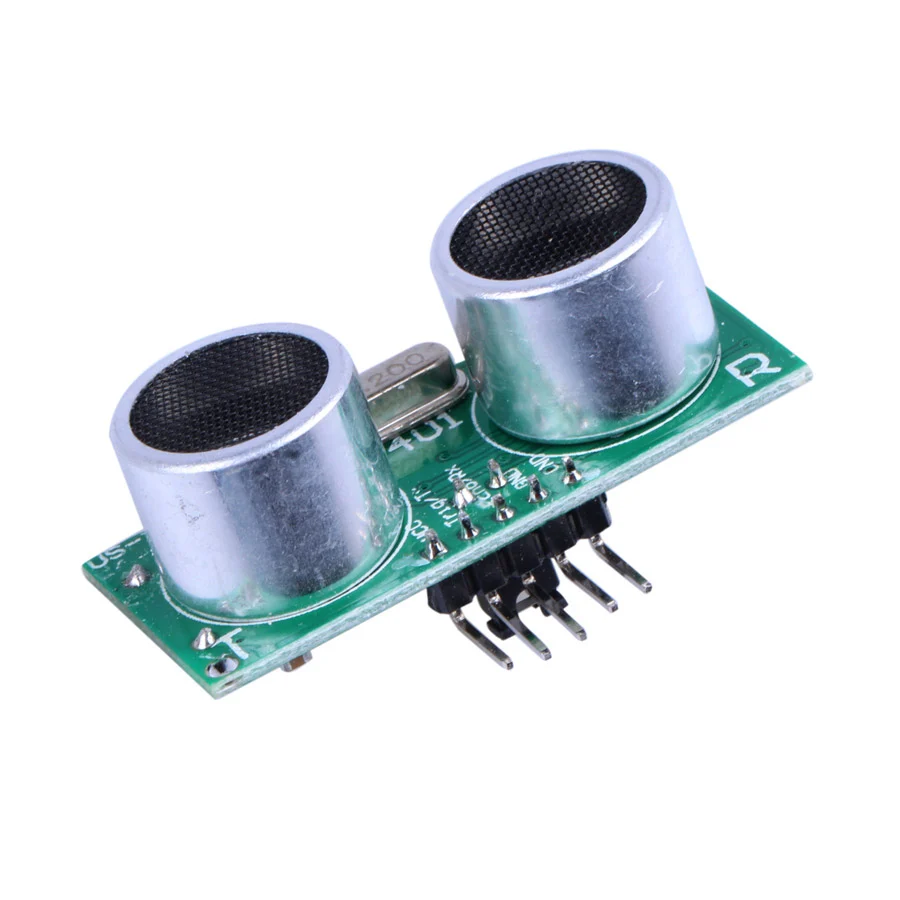
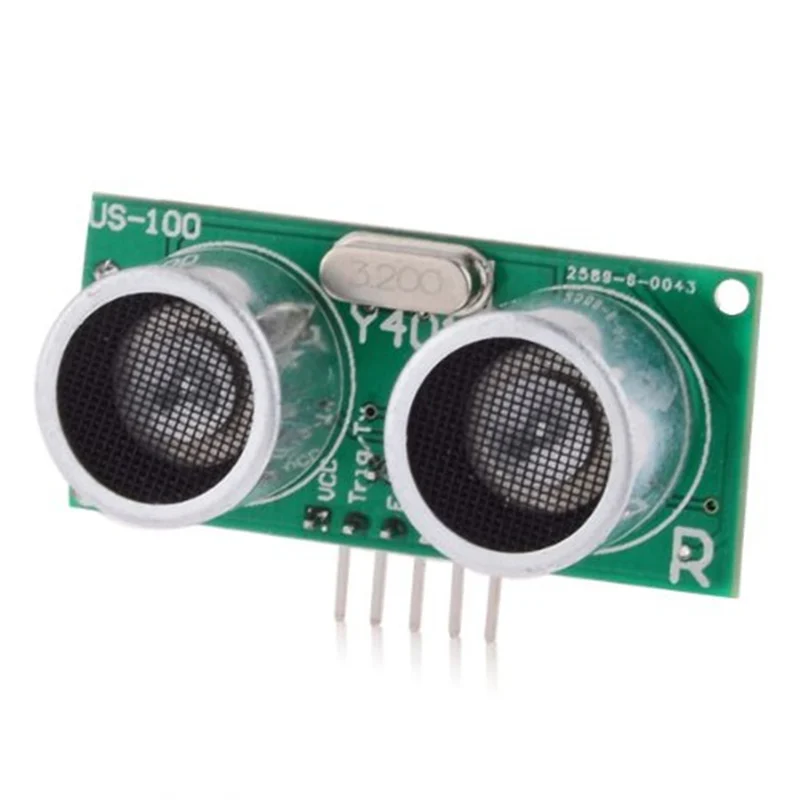
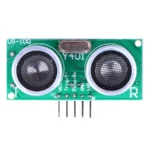
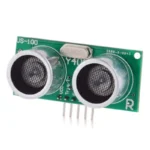
This is the temperature-compensated US-100 Ultrasonic Sensor Distance Measuring Module. The US-100 Ultrasonic Sensor has a measurement and detection range of 2 to 450 cm.
This US-100 features a wide voltage input range of 2.4V to 4.5V, a GPIO static function, a choice of serial communication ways, stability and dependability within the band watchdog.
The US-100 Ultrasonic Distance Sensor Module has both digital and serial data output modes and can function across a broad voltage range.
Accurate temperature corrected range detection is a feature of the US-100. Through the use of a serial data output mode, the distance in millimetres can be output. An alternative method of calculating the distance is to time how long a digital output is held high.
This sensor uses just 2mA while it is idle and works with both 3.3V and 5V microcontrollers.
Using the US-100 Ultrasonic Distance Sensor Module
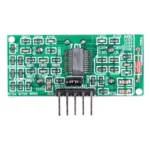
Connect a 2.4V–5.5V power supply to the GND and VCC pins. Depending on the operating mode chosen, the other pins may be used. Using the jumper on the module’s rear, choose the US-100 Ultrasonic Distance Sensor’s operating mode. The sensor outputs a single pulse with a width that corresponds to the measured distance if the jumper is not present. In the absence of the jumper, the sensor outputs the distance as binary serial data.
Using the US-100 Distance Sensor in Serial Data Mode
To select the serial data mode, place the shunt on the operating mode selection jumper. Connect the module to your microcontroller or Arduino’s serial interface. The TX serial transmission line on your microcontroller is connected to the Trig/TX pin. The RX serial receive line on your microcontroller is connected to the Echo/RX pin. To utilise 9600 baud at 8-N-1 (eight data bits, no parity, one stop bit), set the serial port on the microcontroller.
Send a 0x55 across the serial port to begin measuring the distance, and then read back the two-byte distance in high-byte, low-byte format. Millimetres are used to measure the returning distance. Utilise the subsequent equation to determine the distance in millimetres:
FirstByteRead * 256 + SecondByteRead = millimetres
When using the serial output mode, this module may also output the temperature. One temperature byte must be read back after sending a 0x50 byte across the serial port to determine the temperature. The following formula is used to determine the actual temperature:
Fahrenheit = ByteRead – 45
Using the US-100 Sensor in Pulse Width Mode
By taking the shunt off of the operating mode selection jumper, you can choose the pulse mode. Attach your microcontroller’s Echo/RX pin to a digital input and its Trig/TX pin to a digital output.
Set the Trig/TX pin high for a minimum of 50 microseconds and then low to initiate the measurement in order to receive a distance reading. A high pulse with a width that matches the measured distance will be emitted by the module on the Echo/RX line. Utilising your Arduino or microcontroller, calculate the pulse width in microseconds. Utilise the subsequent formula to get the distance:
PulseWidth * 34 / 100 / 2 = millimetres
Features:
- It has temperature compensation among its features.
- Up to 1 mm, it exhibits great precision.
- Offers two output modes: UART or level.
- The range of the detection is 2 to 450 cm.
- Input from TTL trigger
- TTL Echo result


















Reviews
Clear filtersThere are no reviews yet.